
Power BI Dashboards
Power BI Dashboards
Power BI dashboards connected directly to your ERP, CRM and SQL data, so they’re always up to date. No more waiting for someone to export, copy and paste figures into a spreadsheet at the end of each week. Sales, production, stock and finance sit in one place, refreshed automatically, and anyone can drill down from the headline numbers to the detail behind them.
You have the data. You just can’t see it.
The answers are already in your ERP,CRM,Custom Application, your production system and your spreadsheets. But getting them out means someone spending half a day building a report that’s out of date by the time it’s printed.
So decisions get made on gut feel, last month’s figures, or whoever shouts loudest in the meeting.
Power BI fixes that. It connects to your data, does the sums automatically, and puts the numbers in front of the people who need them, on their PC, laptop or phone.
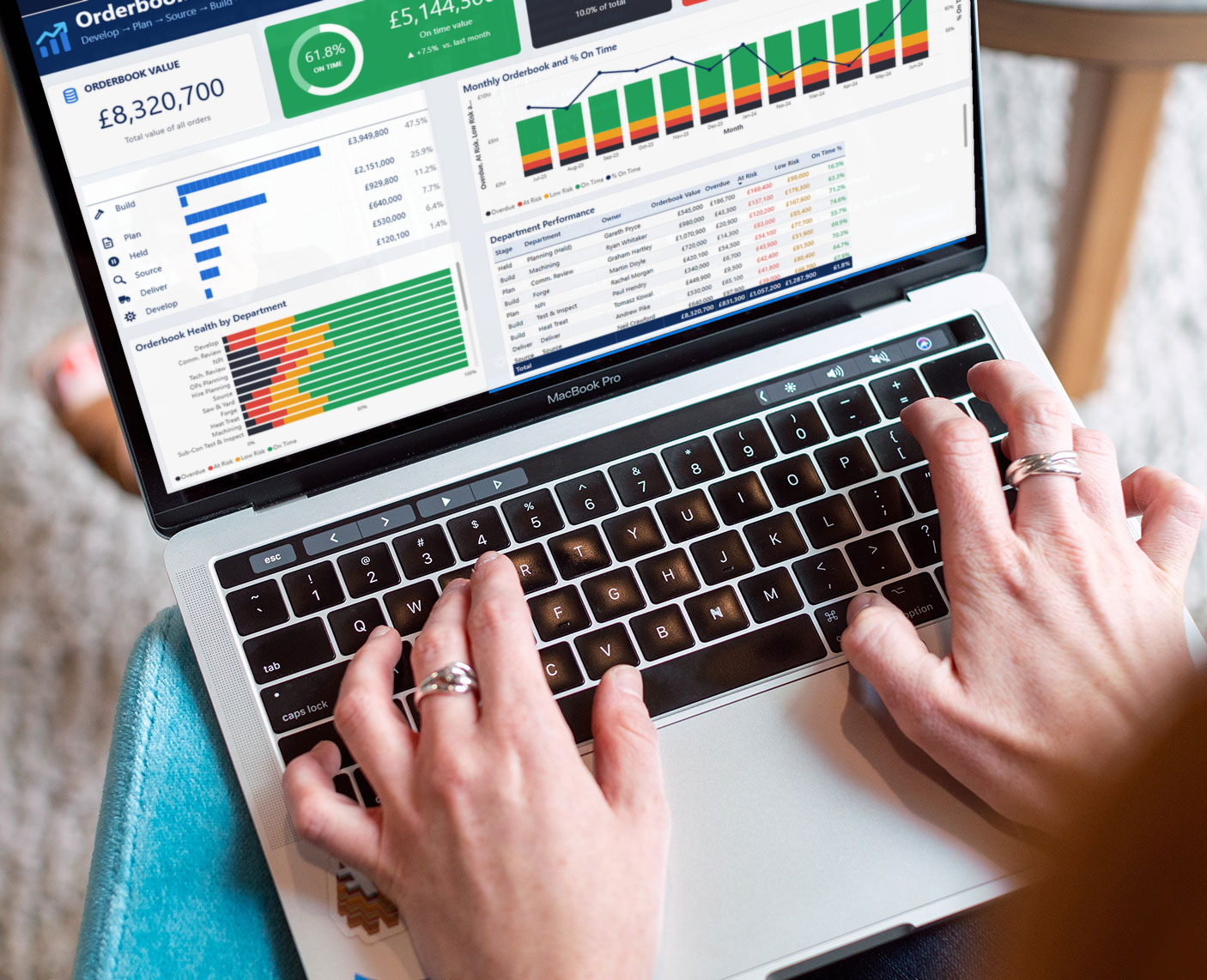
Custom Power BI Dashoards
What I build
Operations and production dashboards On-time delivery, OTIF, delays by work centre and cause, scrap and rework, output against plan. You see where the problems are, not just that they exist.
Sales and customer dashboards Orders, margin, top customers and products, trends against last year. Filter by region, rep or product group in a click.
Management and board packs The handful of KPIs your leadership team actually runs the business on, on one page and refreshed automatically, so the monthly pack builds itself.
Self-service reporting A properly built data model your own team can drag and drop into, so they can answer their own questions without waiting for IT.
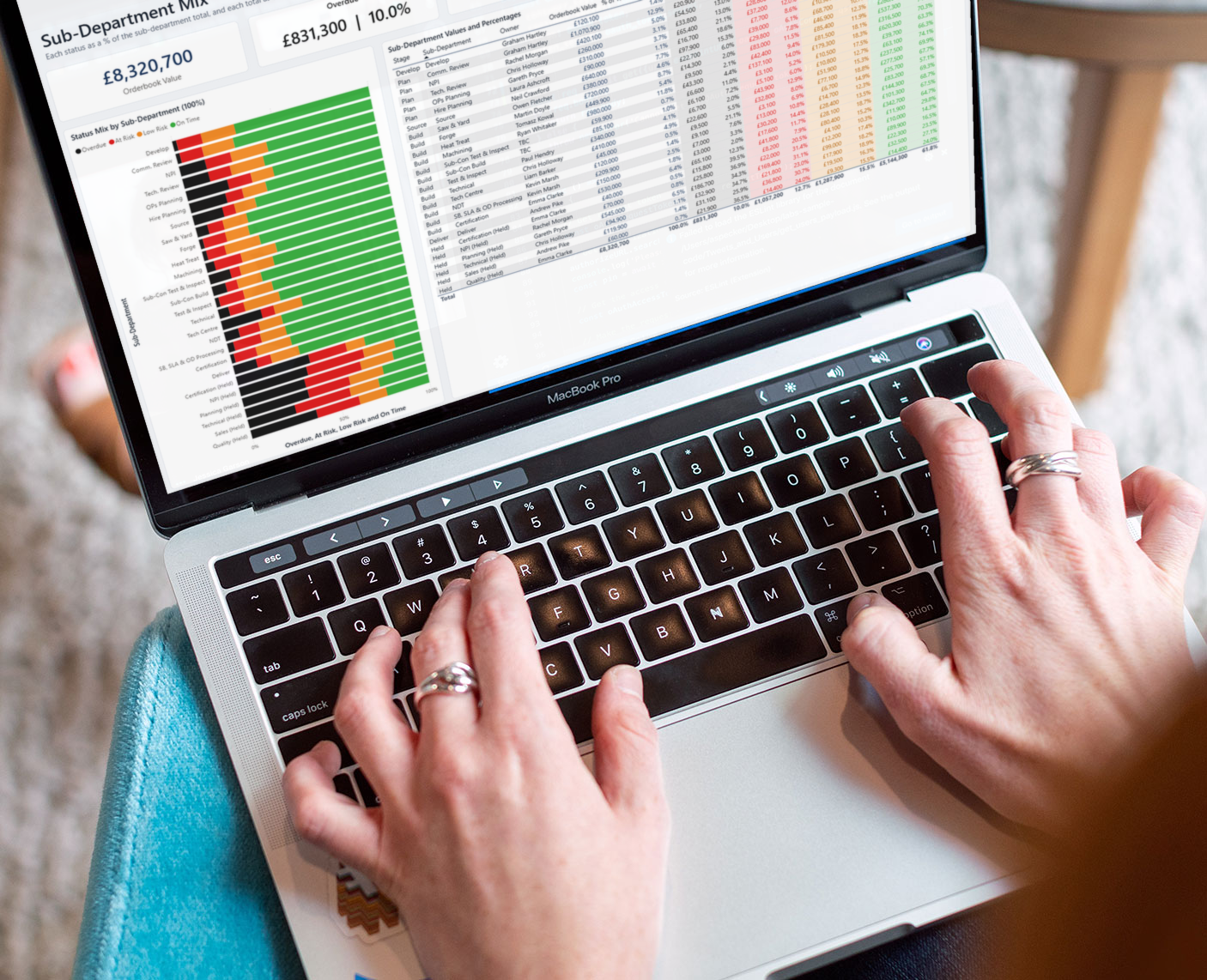
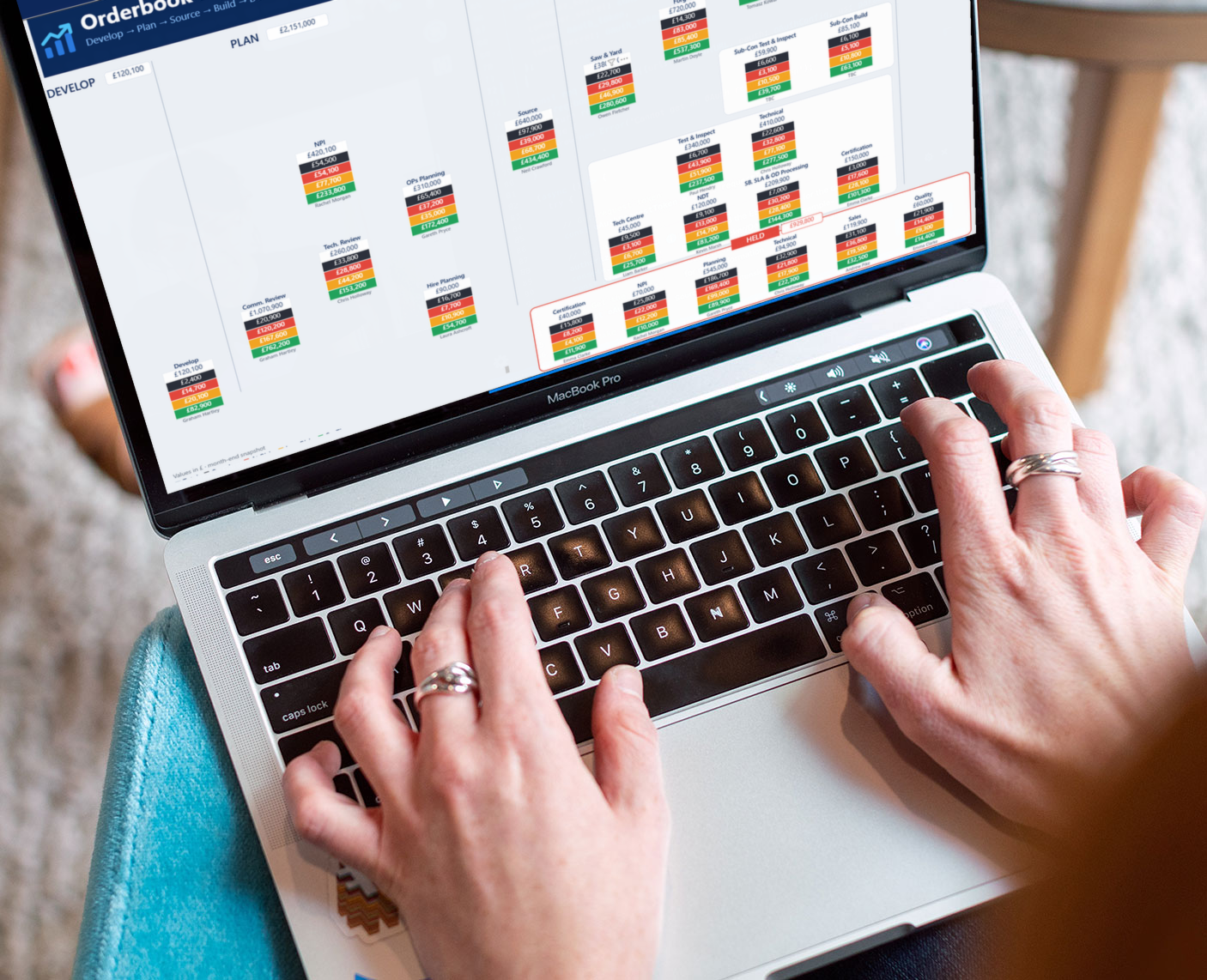
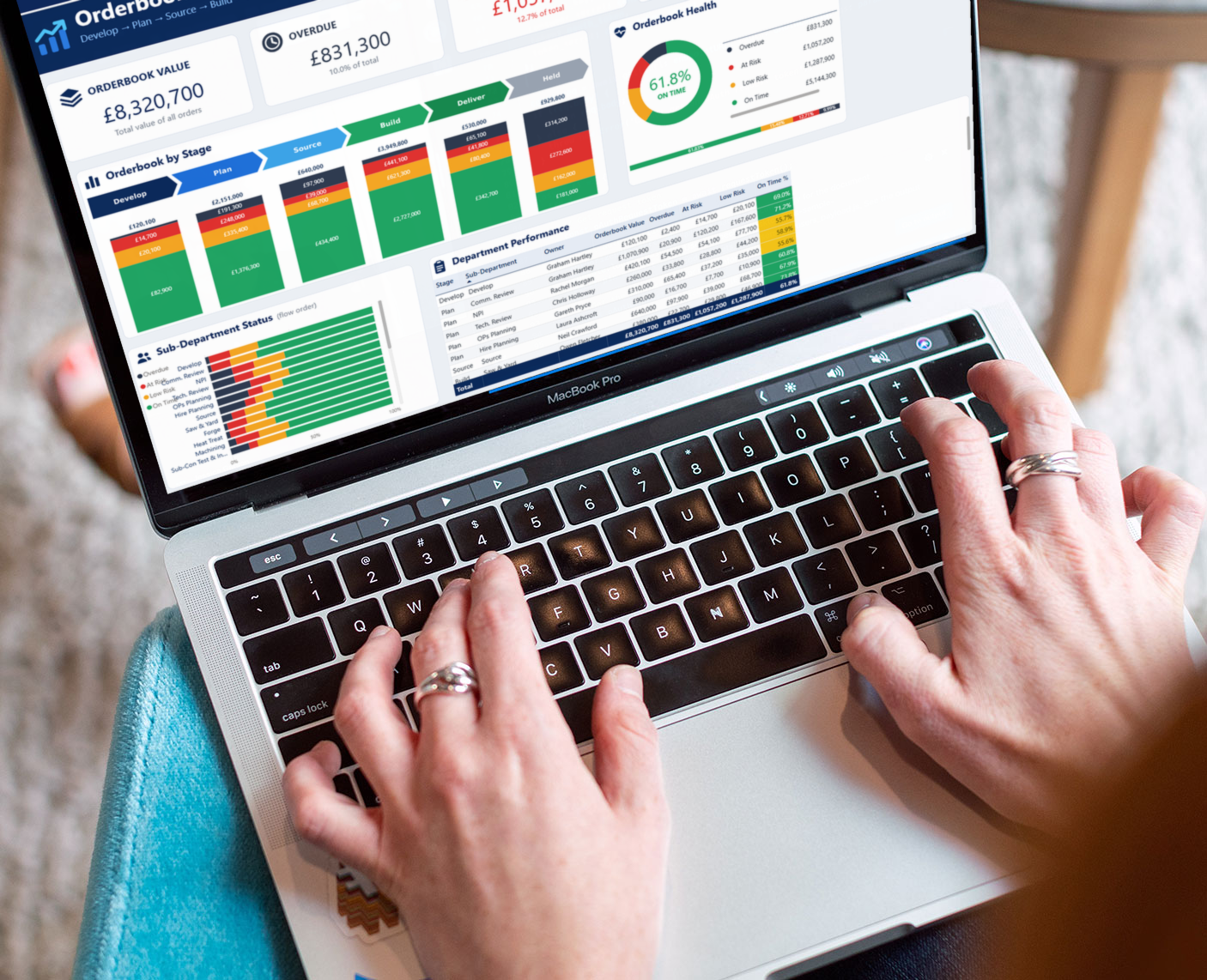
Built on solid foundations
A dashboard is only as good as the data behind it. Before I design a single chart I make sure the numbers are right:
- Connected to source. Your data comes straight from the ERP, SQL or MySQL databases, Excel or SharePoint, not copied and pasted.
- Properly modelled. Clean fact and dimension tables, a proper date table and well-written DAX measures, so the report stays fast and the totals add up.
- Reconciled. I check the figures against your existing reports before handover, and explain any differences.
- Refreshed automatically. Data updates on a schedule, so nobody has to remember to run anything.
Why it pays for itself
- Hours back every week. No more manually building the same reports.
- Problems spotted sooner. A late order or a rising scrap rate shows up today, not at month-end.
- One version of the truth. Everyone works from the same numbers, so meetings are about decisions, not whose spreadsheet is right.
- Better decisions. Drill from the headline figure down to the individual order or works order that caused it.